
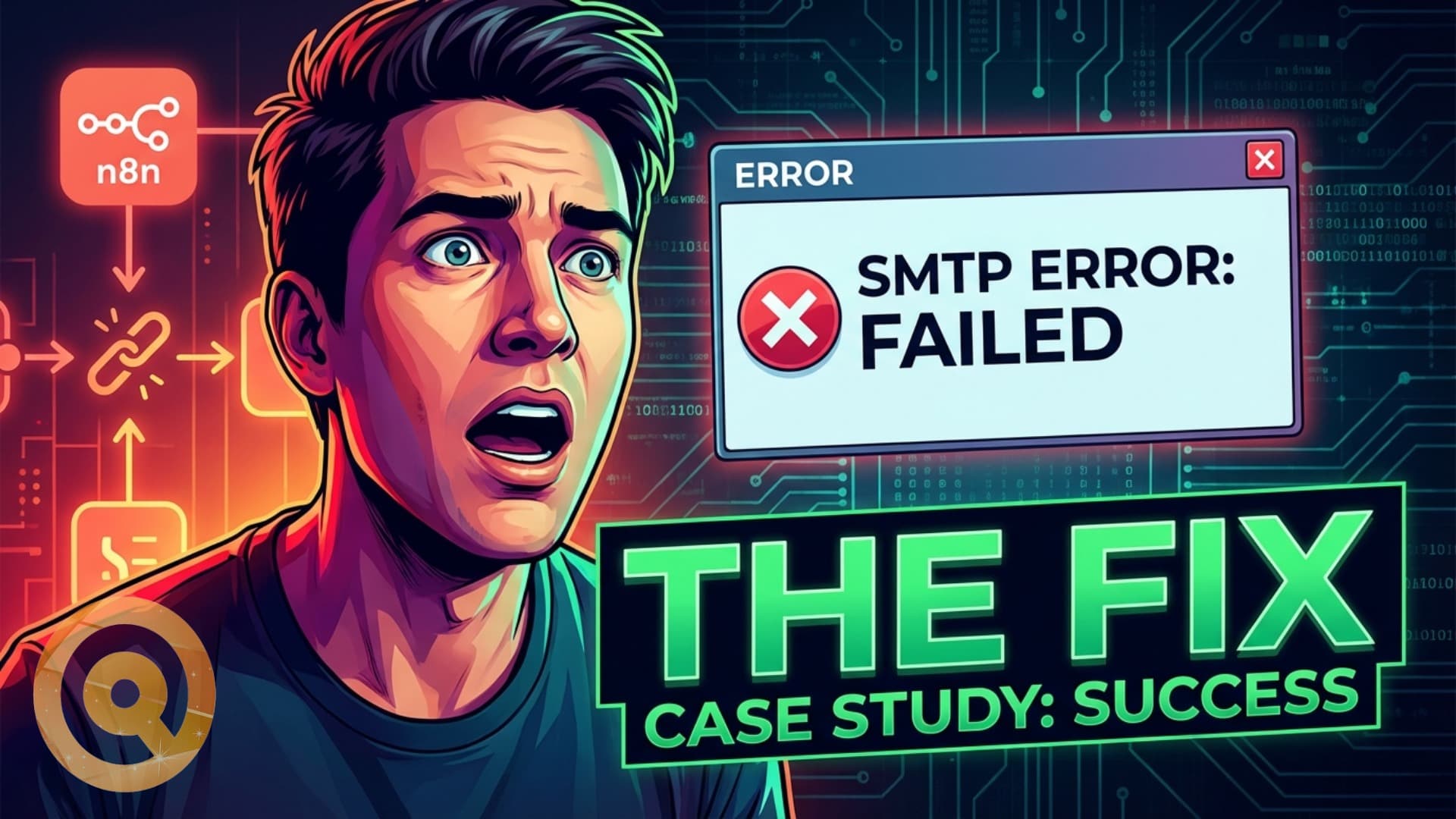
A SaaS founder messaged me in a panic last week.
His onboarding automation had stopped sending emails. He'd just pushed a launch. 100 new users had signed up. Only 15 got a welcome email.
The other 85 were sitting in silence — no onboarding, no instructions, no context. Just an account and nothing else.
His team was offline. The automation he'd spent weeks building was broken. And he had no idea how long it had been broken.
What Actually Happened
Before touching anything, I asked him to pull the logs. What we found:
- SMTP credentials had expired. The app password for the email account had hit its rotation policy and stopped working.
- The error was buried in logs nobody checks. The workflow in n8n had failed silently — no retry, no fallback, no notification.
- No failure alerts had been configured. The automation sent an email when it worked. It sent nothing when it didn't.
- The team assumed "if it worked yesterday, it works today." Nobody had a monitoring policy. Nobody checked failure logs routinely.
This is a completely predictable failure. And it happens constantly.
The Fix (12 Minutes)
We were on a screenshare. Here's what was done:
- Diagnosed the failure — pulled the n8n execution logs, confirmed SMTP auth failure as root cause
- Reset credentials — generated a new app password, updated the SMTP node in n8n
- Tested the flow end-to-end — triggered a test run, confirmed email delivery
- Set up failure alerts — added an error handler node in n8n that sends a Slack/Discord notification whenever any workflow step fails
- Added a success counter — a simple log that records how many emails were sent per run, so anomalies are visible at a glance
Time to fix: 12 minutes.
All 100 users were onboarded within the hour. Launch saved.
The Real Problem Isn't the SMTP Credential
The SMTP failure was the symptom. The real problem was the same one I see every week:
Founders build the automation. Nobody builds the monitoring.
A workflow that runs without alerting isn't automation — it's a black box. You only know it's broken when a customer complains. And by then, the damage is already done: churned users, lost revenue, damaged trust.
🚨 Danger
If your automations have no failure alerts, you don't actually know if they're working right now. You're assuming they are — which is exactly what this founder was doing.
What Every Production Automation Needs
If you're running automations that touch customers — onboarding, billing, notifications, order confirmations — these are non-negotiable:
1. Failure Alerts on Every Critical Path
Every workflow that matters needs an error handler. When a step fails, something should notify you immediately — Slack, Discord, email, SMS. Not tomorrow. Not when a customer complains. Now.
In n8n, this is an error trigger node. In other tools, it's equivalent. It takes 5 minutes to set up and it's the single highest-value thing you can add to any production workflow.
2. Execution Logs You Actually Review
Logs are only useful if someone reads them. Set a weekly review habit — pull the error log for your critical automations and scan for anything that failed silently, had retries, or behaved unexpectedly.
Most automation failures announce themselves in logs long before they become customer-facing problems.
3. Credential Rotation Policy
API keys, SMTP credentials, OAuth tokens — all of these expire. Most automation failures I diagnose come down to expired credentials that nobody tracked.
Keep a simple list of every credential your automations use, when it was created, and when it expires. Review it monthly. Rotate on schedule, not in a panic.
4. Retry Logic with a Backoff
Transient failures — network blips, temporary rate limits, brief provider outages — should not permanently fail a workflow. Add retry logic with exponential backoff to any step that calls an external service.
In n8n: the retry-on-fail option is built into every node. Turn it on for anything that touches email, webhooks, or third-party APIs.
5. A Simple Smoke Test on a Schedule
A scheduled workflow that runs every morning, sends a test email to an internal address, and confirms delivery. Takes 10 minutes to build. Catches credential failures before users do.
💡 Tip
Your smoke test doesn't need to be complex. A daily cron that sends one internal email and logs "OK" is enough to catch most credential and deliverability failures before they affect customers.
The Pattern I See Every Week
The cycle looks like this:
- Founder builds automation — it works great
- Automation runs without monitoring for weeks or months
- Something changes (credential expires, API endpoint moves, rate limit policy updates)
- Automation fails silently
- Customer complains (or worse — churns without saying anything)
- Founder discovers the failure, scrambles to fix it
- Automation is "fixed" — still without monitoring
Then the cycle repeats.
The fix isn't complex. It's just not the interesting part of building automations, so it gets skipped. Until it becomes a crisis.
What a Production-Ready Automation Looks Like
A production automation isn't just a workflow that works. It's a workflow that:
- Fails loudly — errors are surfaced immediately, not buried
- Recovers automatically where possible (retries, fallbacks)
- Has a human checkpoint for decisions it can't make alone
- Is documented — what it does, what it touches, what breaks it
- Is tested on a schedule — not just assumed to be working
That's the difference between automation as a feature and automation as infrastructure. Infrastructure is maintained. Features get built and forgotten.
Is Your Automation Actually Working Right Now?
If you can't answer yes with certainty — you have a monitoring gap.
The fix is usually straightforward. An audit of your critical automation workflows, error handling added where it's missing, and a simple monitoring setup takes a few hours. After that, you'll know immediately when something breaks instead of finding out from a panicked user.
Book an AI automation audit and I'll review your critical workflows, identify the failure points, and set up the monitoring layer that should have been there from the start.
Or if you're not sure where to start — book a call and we'll map it out together.
Tags